Free Ebook - EU Directive on Pay Transparency.

Communication and Motivation | Continuous Feedback

How to Boost Engagement Through Continuous Feedback

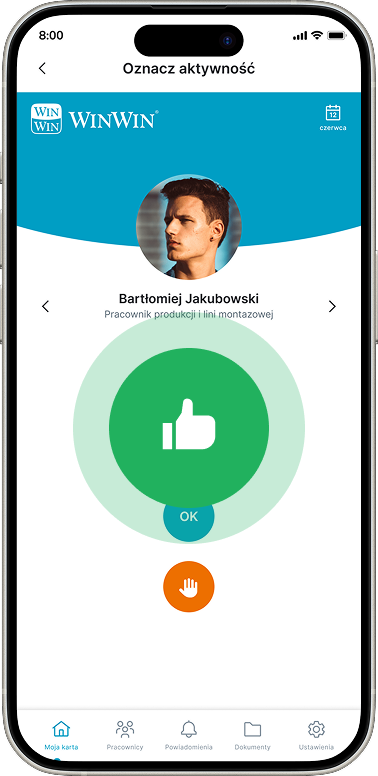
The Continuous Feedback module in the WinWin App allows leaders to quickly and regularly provide brief feedback, which is automatically recorded and contributes to the employee’s development history, reinforcing good habits and supporting real-time competency assessment.


They have placed their trust in us

How does it work?

Like Button

Quick feedback for an employee, acknowledging a specific behavior. It’s a form of recognition: “You went the extra mile—great job!” 

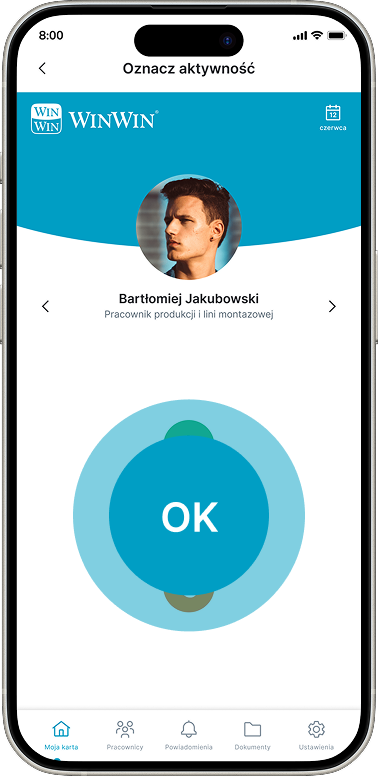
OK button

Neutral rating: The employee performed in line with expectations, completed their tasks correctly, but did not stand out in any particular way.

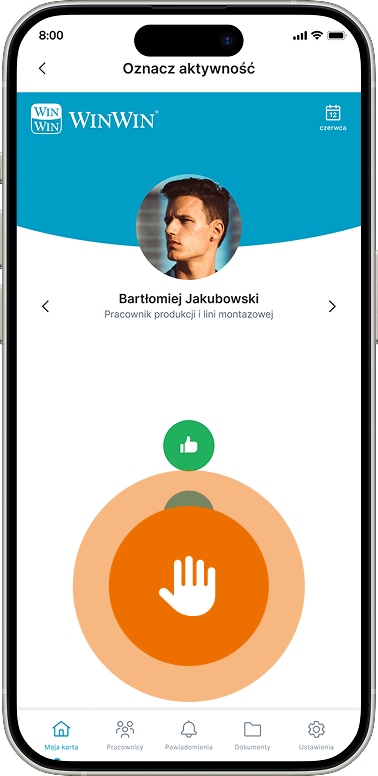
HOLD Button

Corrective feedback: a response to inappropriate behavior; a message indicating that something needs to be reconsidered and improved. 

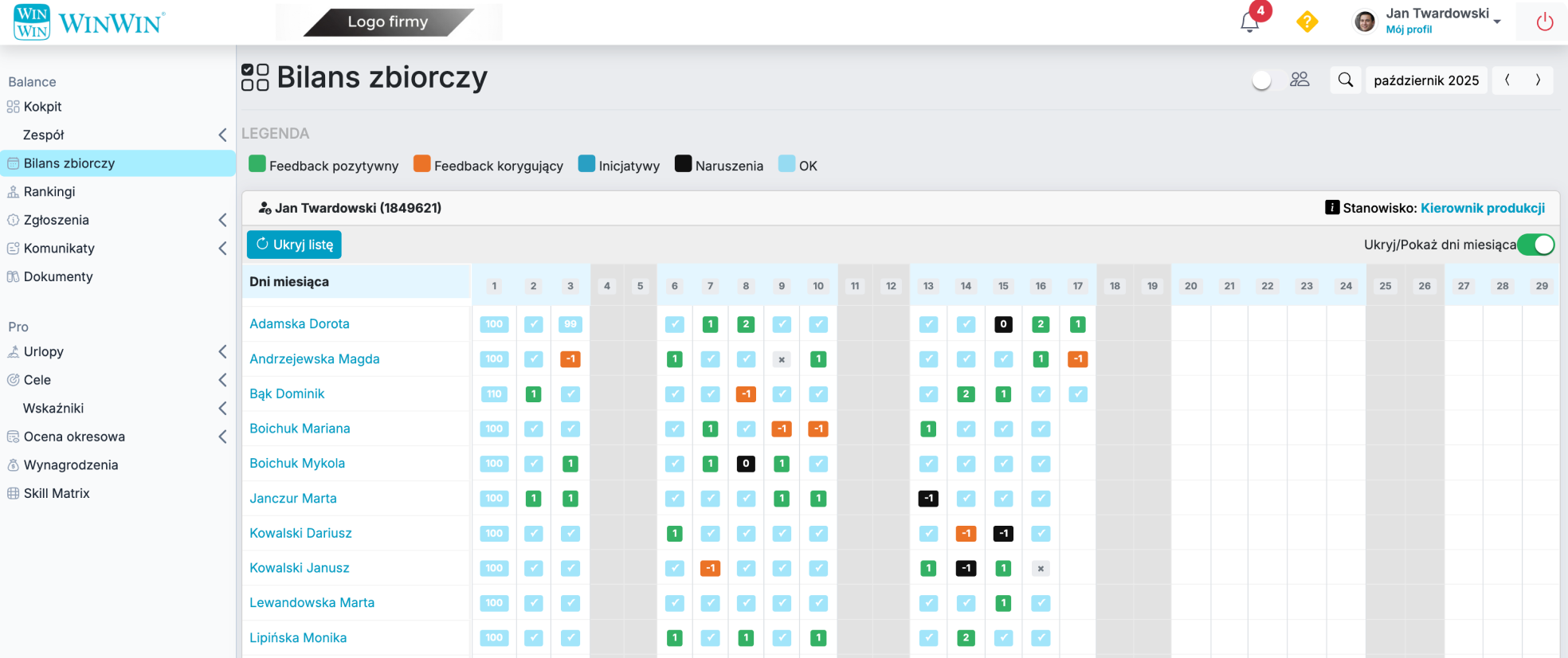
Summary Report for Supervisors

The system automatically generates monthly reports showing the entire team’s activity—from feedback to initiatives to violations. The reports can also cover longer periods, highlighting trends and changes in employee engagement. The collected data is transparent, easy to analyze, and provides valuable support for periodic evaluations.

Convenient preview in the mobile app

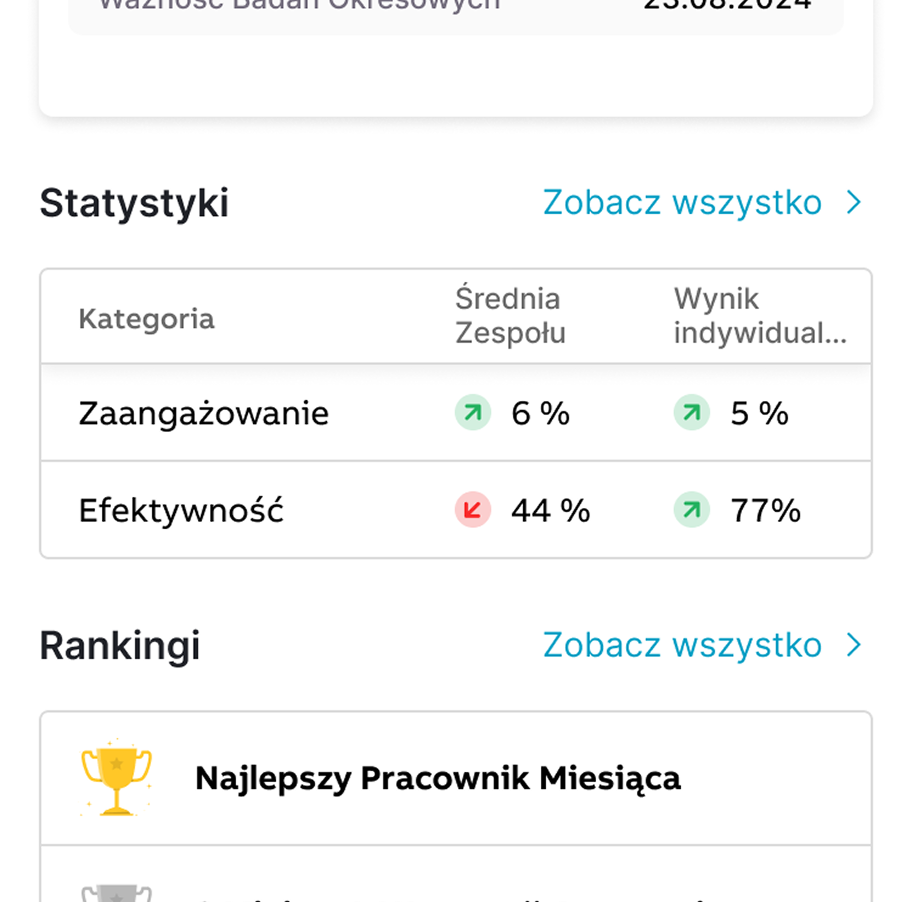
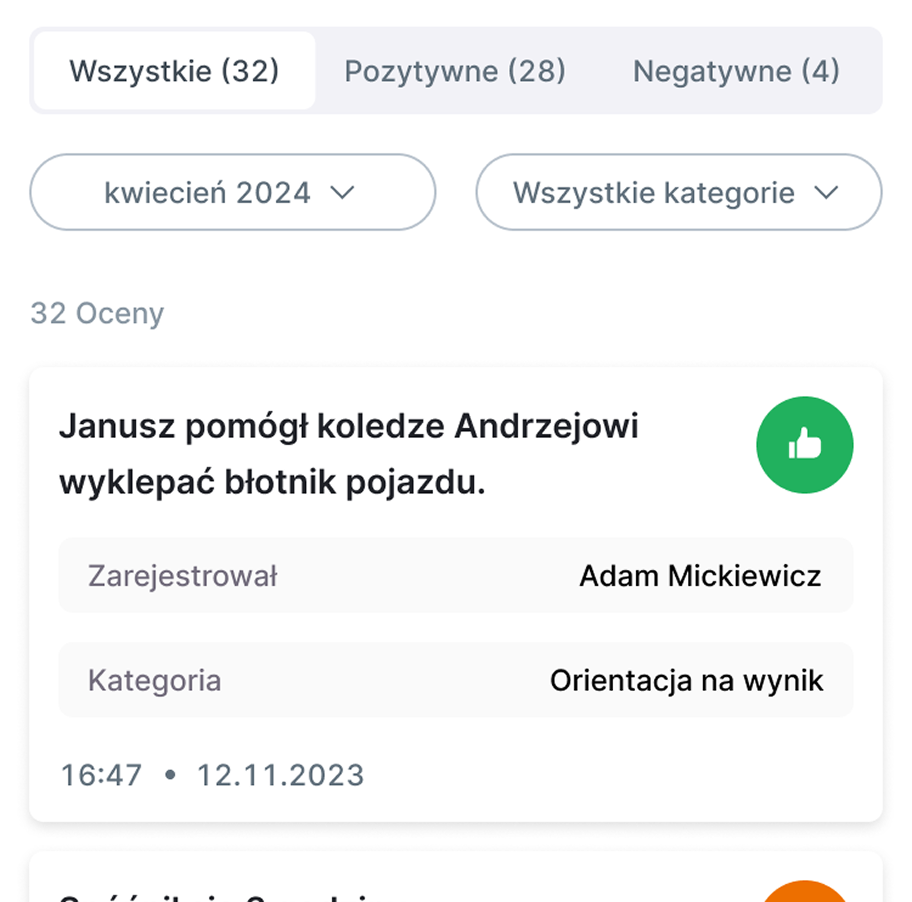
Statistics on the employee's profile

Every user has a quick and convenient overview of the most important information on their employee profile.

A clear list in the mobile app

You can easily sort the data by category, type, and time range.

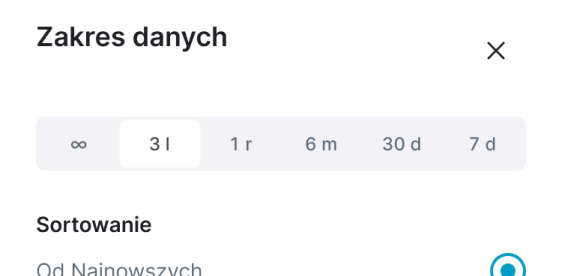
A wide range of data

Sort data within a selected time range easily and quickly.

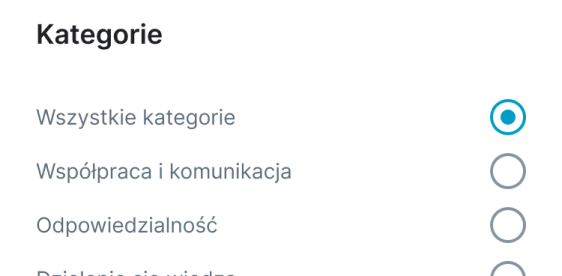
Many categories

Users can choose from a variety of predefined categories.

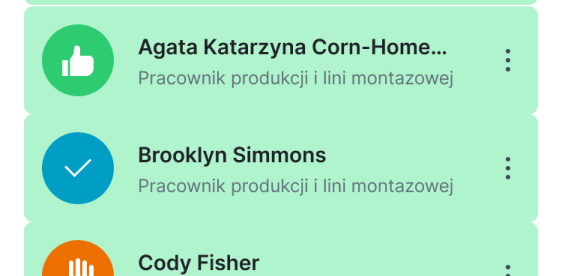
Team Evaluation

Rate your team members, and see how others rate you.

Find out what we can do for your organization—let’s talk!

Schedule a meeting and a demo of the Continuous Feedback module